
Smart TV & sound · SOUTH DELHI
Smart TV Wi-Fi problems in Saidul Ajaib
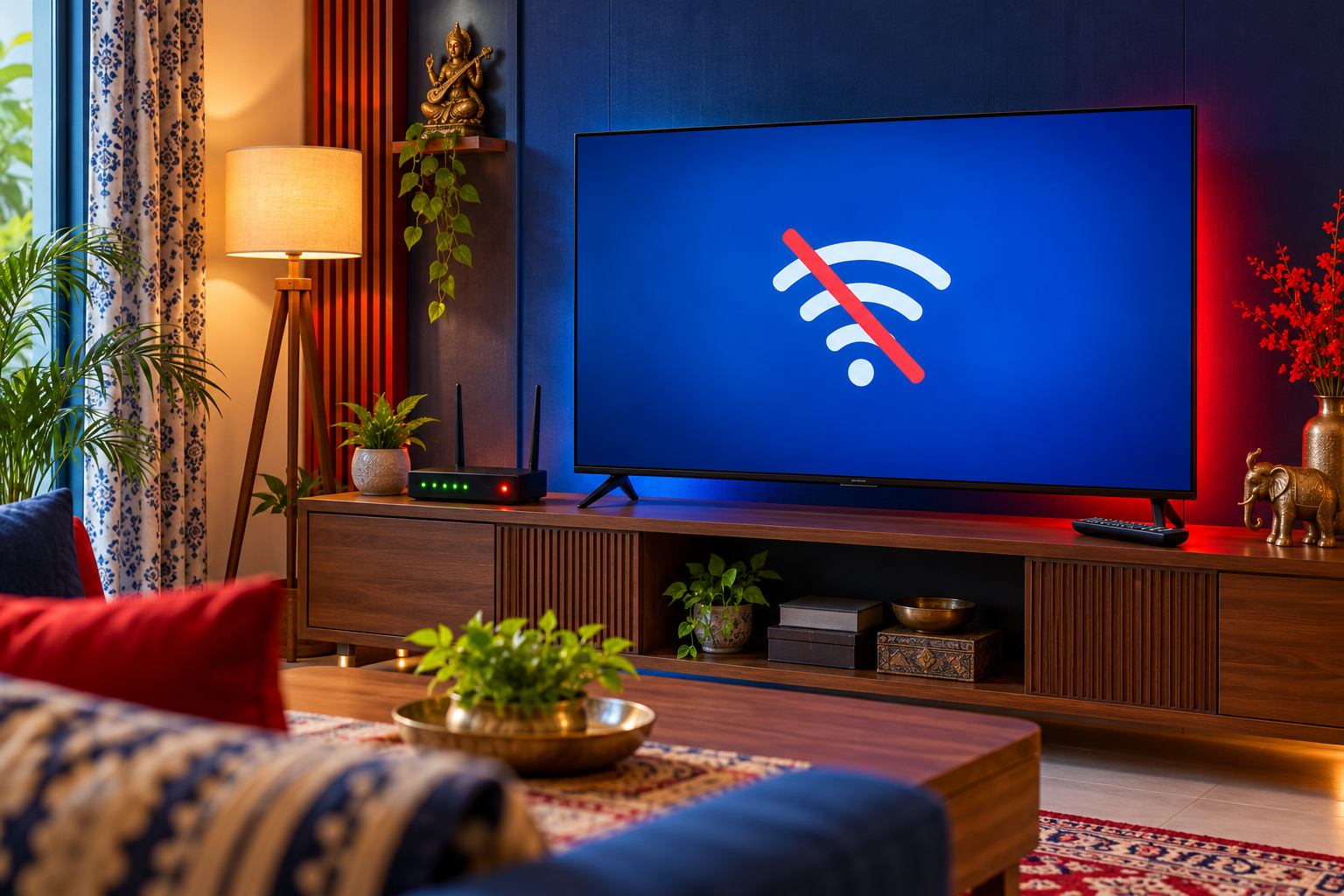
A Smart TV that cannot connect to Wi-Fi may have a network configuration issue, weak signal, outdated software or a wireless hardware fault.
What you can check first
Restart the router and television, check the password and test another device on the same network. If supported, compare with an Ethernet connection.
What a repair assessment involves
If other devices connect but the TV consistently fails, record the error message and software version. A factory reset removes settings and should only follow simpler checks.
Distinguish app, network and TV faults
Check whether the problem affects a single app, all online functions, or the entire home screen. Keep the exact error message and software version if available. A reset can erase settings and accounts, so understand its consequences before using it as a troubleshooting step.
Arranging TV repair in Saidul Ajaib
Contact Saraswati Electronics on 9871159669 with your TV model, locality in Saidul Ajaib and a short video or photo of the symptom. The workshop is listed at IGNOU Main Road, near Nirmal Medical Centre, New Delhi 110030. Confirm availability and the inspection or collection arrangement for your address before visiting.
Request a diagnosis and an itemised estimate before approving work. Confirm the proposed part, its condition, total charges and any repair warranty. Repair feasibility depends on inspection and compatible parts; this guide cannot determine a final repair or price remotely.